Crochet Pattern Design Resources: A Practical Toolkit for Designers
Pattern design asks you to be a maker, writer, checker, photographer and publisher. The right resource should make one of those jobs clearer-not add more clutter.
Table of contents
Designing a crochet pattern involves much more than choosing beautiful yarn. You need dependable references for crochet language, accurate calculations, a clear testing process and tools that help you turn the finished design into instructions.
This toolkit is organized by the job you are trying to do. Bookmark the resources you use often and keep your process simple.
1. Crochet abbreviations and writing standards
Use a trusted reference when you choose abbreviations, skill levels and hook or yarn terminology. Standard language helps more crocheters understand the pattern and makes technical editing easier.
Useful links
Craft Yarn Council standards and guidelines
CrochetStudio lesson: abbreviations, terms and US vs UK:
A converter is a useful first pass, but always read the result. Designer-specific abbreviations and special stitch names may need a manual check.
2. A place to write the pattern
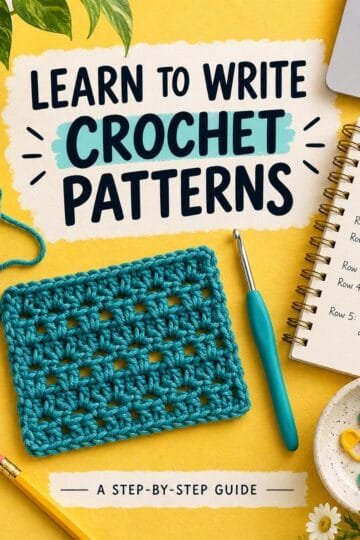
General document tools can work, but crochet instructions have special requirements: repeated lines, row and round numbering, ending stitch counts, section headings and starting chains. A dedicated pattern writer can remove repetitive formatting without taking control of the design.
CrochetStudio numbers rows and rounds, reads common stitch language, calculates repeat multipliers and lets you replace a count when your construction needs a manual answer.
Useful links
Open the free crochet pattern writer: https://crochetstudio.app/editor
Compare writing tools: https://crochetstudio.app/compare
Learn the anatomy of a crochet pattern: https://crochetstudio.app/learn/anatomy-of-a-crochet-pattern
3. Gauge, yarn and size calculations
Keep your swatch details with the pattern. Record stitch gauge, row gauge, hook, yarn and whether the swatch was blocked. For sized patterns, turn finished measurements into stitch and row counts using the gauge, then round to numbers that fit the stitch repeat.
Useful links
Free yarn and yardage calculator
Lesson: materials, gauge and sizing
Lesson: grading crochet patterns into sizes
| A calculator can do arithmetic, but it cannot decide the fit of your garment for you. Check the measurements, ease and stitch repeat for every size. |
4. Schematics and construction notes
A schematic shows the finished measurements and shape of a piece. It is especially helpful for garments, panels and projects where several parts are assembled. Pair the diagram with construction notes that explain direction, joins and finishing.
Would you like to save this?
Useful links
Lesson: the anatomy of a crochet pattern
5. Pattern testing resources
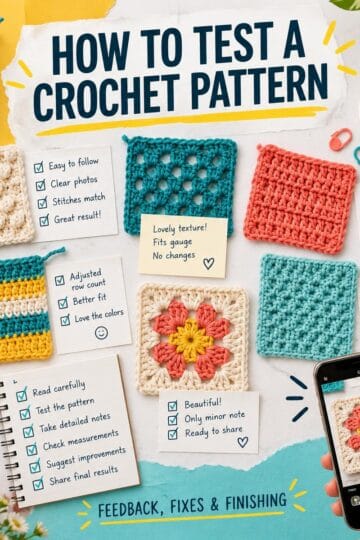
A pattern-testing process needs a complete draft, a clear tester call, realistic deadlines and one place for feedback. Track the size, yarn, progress and permission for every tester photo. Keep testing separate from technical editing so both jobs are understood.
Useful links
Free guide: how to run a crochet pattern test
Free lesson: pattern testing and technical editing
6. Photos and pattern layout
Take the main photos in good light and show the finished item clearly. Photograph tricky steps while you make the sample. In the final file, use consistent headings, readable text, enough spacing and a limited number of helpful photos so the document stays easy to use.
Keep your cover photo, designer details, materials, abbreviations, instructions and copyright information in a consistent order. Reusing that structure across releases makes your work recognizable.
7. Listing and launch preparation
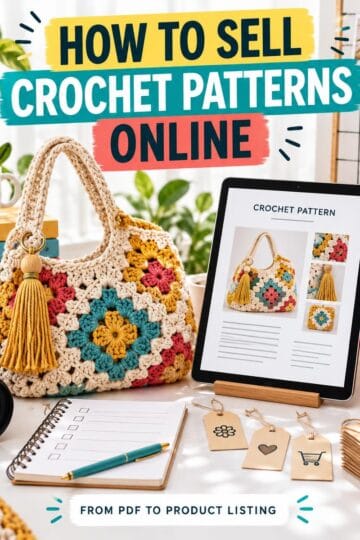
Before publishing, prepare a clear title, product description, search tags and image set. State that the product is a digital crochet pattern. Save approved tester credits and photo permissions so launch-day posts do not require a search through old messages.
Useful links
Course: pricing and selling crochet patterns
Course: pattern listings that get found
Course: building your designer brand
One workspace for the whole pattern
CrochetStudio brings the writing, stitch counting, grading, testing, photos and export steps together. The free plan includes pattern writing, stitch counting and Word downloads. Pro adds styled PDFs, step photos and the Testing Hub.
No chatbots, no hallucinations and no scraping: calculations use code, exact arithmetic and crochet pattern rules. You write the pattern, and your designs are never used to train AI models.
YOUR NEXT STEP
| Explore the free tools and start your next pattern at https://crochetstudio.app/tools |
Useful links
Browse all CrochetStudio tools: https://crochetstudio.app/tools
Take the pattern-writing course: https://crochetstudio.app/learn
Start a pattern: https://crochetstudio.app/editor
Check out my Latest Video!
Subscribe to my: